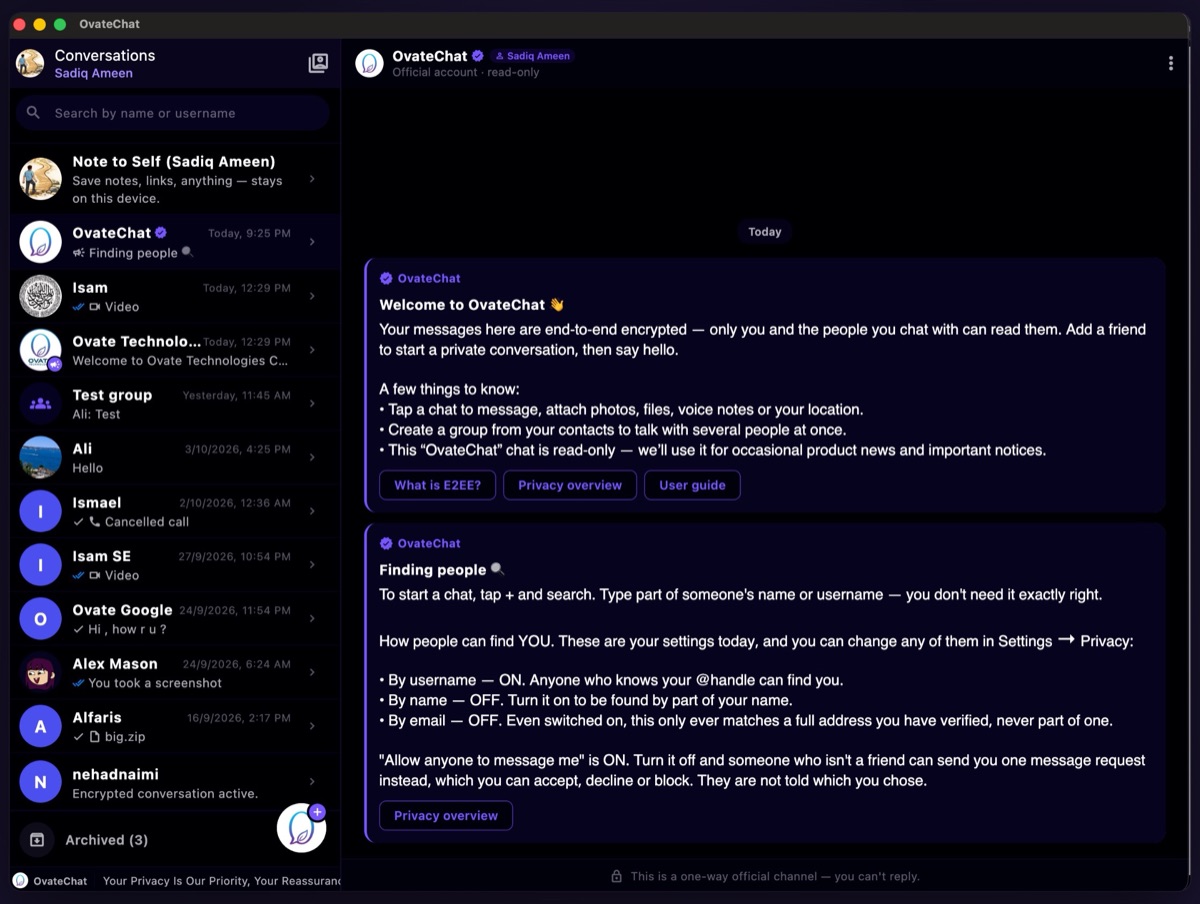
Private by design
OvateChat is an end-to-end encrypted messenger. Everything you send is encrypted — text, voice and video messages, audio and video calls, and files up to 1 GB. Sign up with a username and an email, and decide for yourself who can find you.
Free on the App Store, Google Play and the Microsoft Store. For Mac: coming to the Mac App Store.
No phone number
Most messengers begin by asking for your phone number and your address book. OvateChat asks for neither.
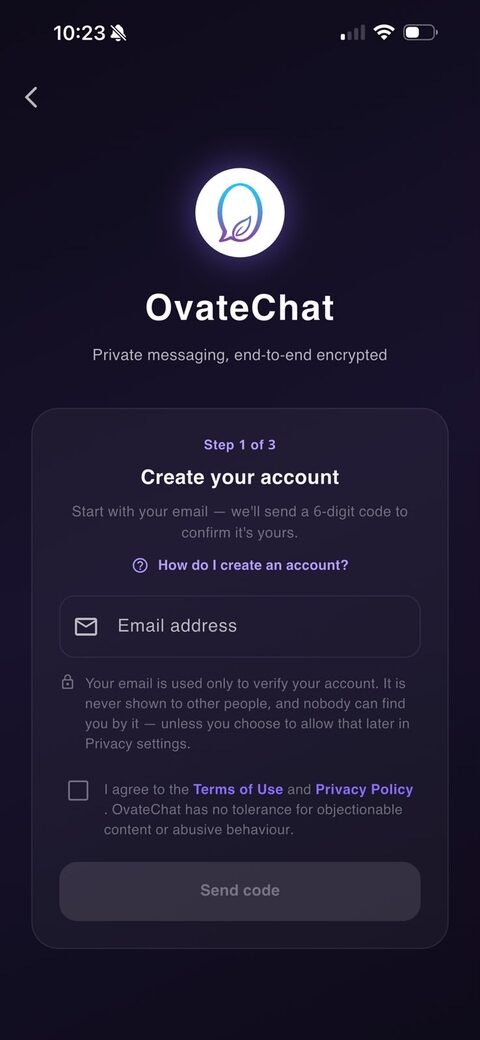
You sign up with a username and an email address. The email is used only to confirm the account — it is never shown to anyone, and by default nobody can find you by it. Your contacts are never uploaded.
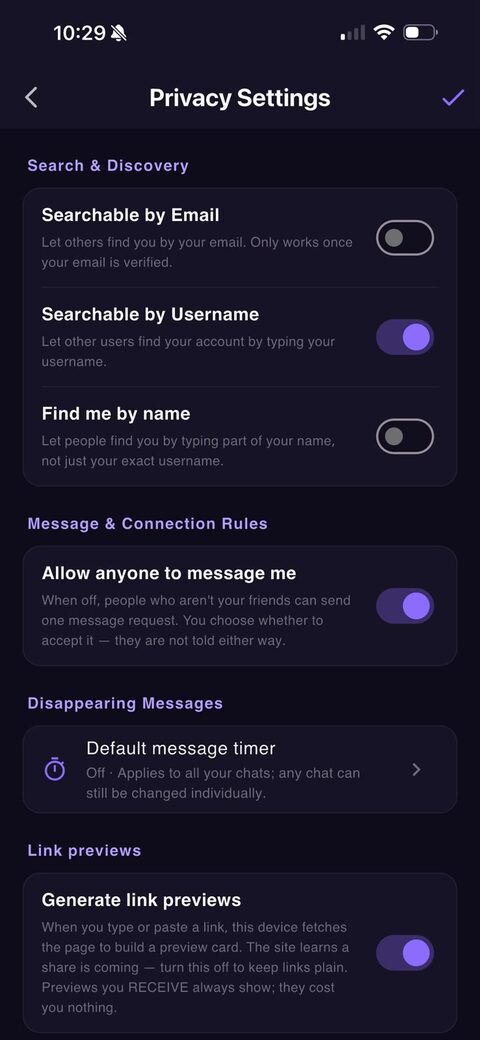
Whether people can find you by username, by email or by part of your name is a switch you flip yourself, in Settings → Privacy → Search & Discovery.
Calls
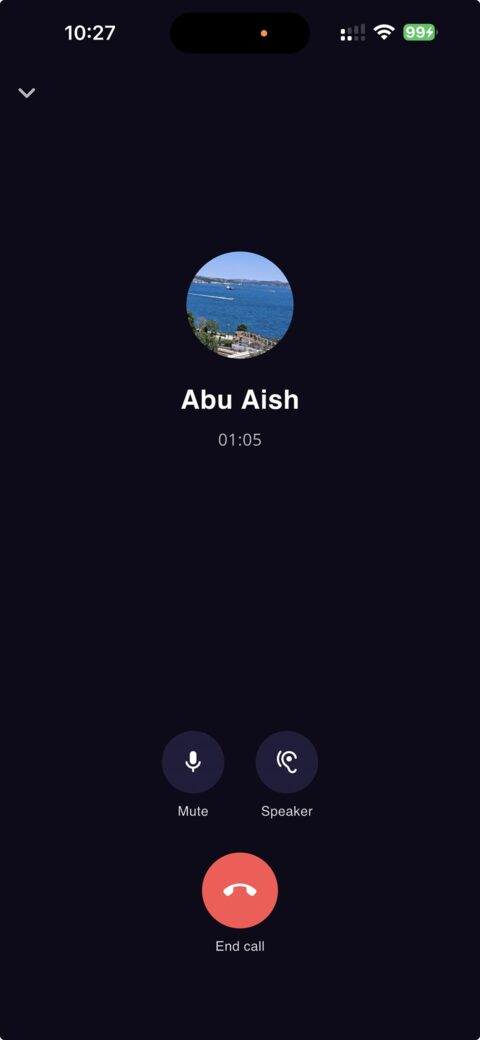
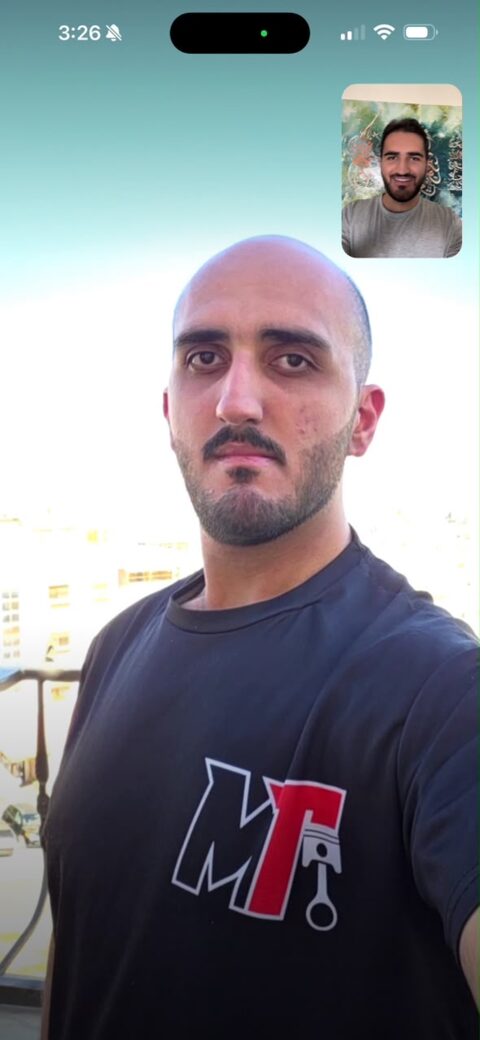
Voice and video calls between two people, and audio calls for the whole group — end-to-end encrypted with the same advanced encryption that protects your chats.
Call audio and video are encrypted with keys that only the devices on the call hold. Our servers help the call connect and never see or hear anything.
Big files
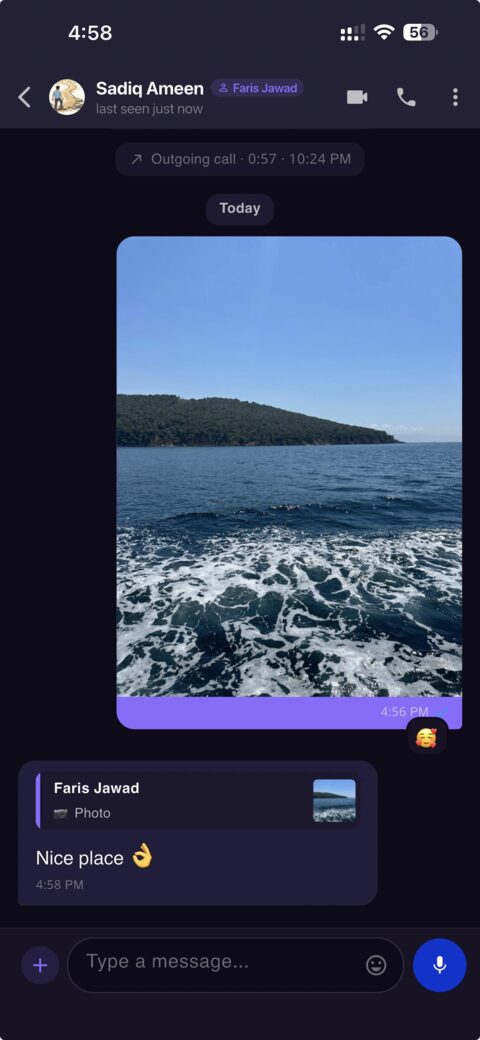
Documents, videos, archives — up to 1 GB each, encrypted end to end on your phone before they go anywhere.
Large files travel through OvateChat's own encrypted transfer, so a long video arrives as you filmed it rather than squeezed down. Only the people in the chat can open it; our servers hold ciphertext they cannot read.
Control
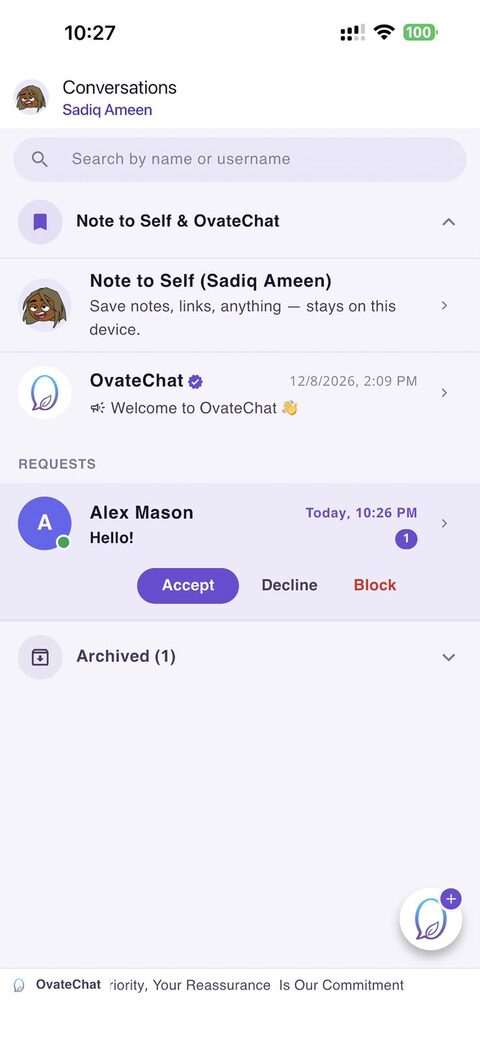
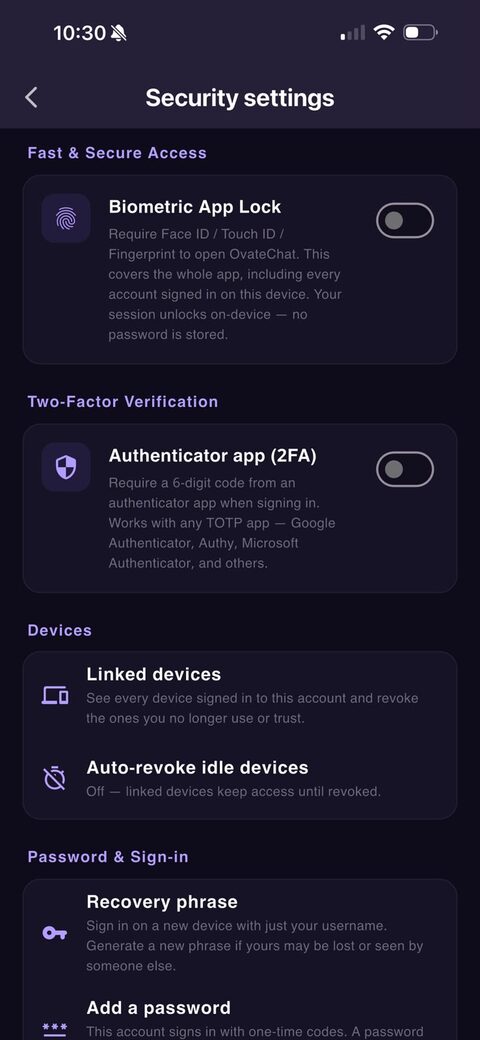
Every way someone can find you, contact you or watch your activity is a switch — and every switch is yours.
The basics
The same three lines that greet you the first time you open the app.
Every message, photo, file and call is locked with advanced end-to-end encryption — a fresh key for every message.
No ads, no third-party trackers or analytics, and we never sell your data. Push notifications carry no content.
Zero-knowledge by design — no key escrow, no back doors, no master key. Delivered ciphertext is not kept on our servers.
Everything you'd expect
End-to-end encrypted from your device to theirs, every one of them.
Your encryption keys are generated on your device and never leave it. Our servers only ever relay unreadable ciphertext — so your conversations can't be read, handed over, mined for ads, or trained on.
Questions
The things people ask before they trust a messenger.
No. You create an account with a username and an email address. The email is used only to send you a confirmation code; it is never shown to other people, and nobody can find you by it unless you switch that on yourself.
No. Messages, calls and files are encrypted on your device, using keys that only your devices and your recipients' devices hold. Our servers relay ciphertext they cannot open, and once a message has been delivered we do not even keep that. You can check that nobody sits in the middle by comparing a Safety Number with your contact.
Your recovery phrase — generated on your device, never sent to us — signs you back in on a new phone with just your username. If you had a second device linked, it keeps working and can approve the new one. There is also an encrypted local chat backup; its key never leaves your device.
The honest consequence of zero-knowledge: with no recovery phrase and no signed-in device, nobody — including us — can restore the account. Set the phrase up early; the app reminds you until you do.
Yes. OvateChat is free to download and use, with no ads and no tracking. We don't sell data, because we don't have any worth selling.
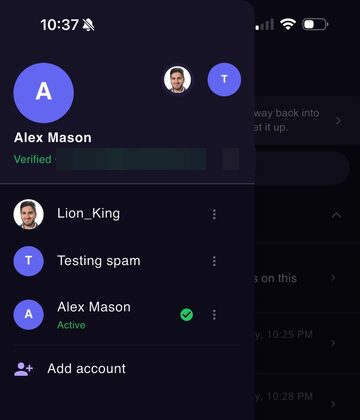
On iPhone from the App Store, on Android from Google Play and on Windows from the Microsoft Store. On a Mac or a Windows PC, OvateChat is a linked device of the account on your phone — the Mac App Store app is on its way. You can also link a second phone or tablet with a QR code, and keep more than one account on the same device.
A call's audio and video are encrypted with keys derived from the same encrypted session as your messages, so only the devices on the call can decrypt them. Our servers only help the devices find each other. Nothing is recorded, and the camera and microphone are used only while you are on the call.
On your computer
OvateChat for Mac and Windows is a linked device of the account on your phone. Open it, scan the code it shows with your phone, and your chats come across — encrypted from one device to the other, never through a copy on our servers.
Then it works the way your phone does: messages, voice and video calls, stories, files dragged or pasted straight into a chat, more than one account. Messages and calls still arrive while the window is closed.
A computer is often shared, so the app can lock itself: a few minutes without use, a closed window or a locked screen, and it asks for Touch ID, Windows Hello or the computer's password before it shows a single message. A call that arrives while it is locked asks too.
Now on the Microsoft Store. Coming to the Mac App Store. The Mac button on this page becomes a link the day the app is approved.
Get started
Download OvateChat, pick a username, confirm your email — that's the whole sign-up.
Free on the App Store, Google Play and the Microsoft Store. For Mac: coming to the Mac App Store.